Start with your voice.
Record a message or upload your audio or video. Keep the words, conviction and personality that make it yours.
A voice worth sharing.
Turn your sermons and spoken ideas into beautiful videos with Preach AI.
Discover what happens next ↓One message. More possibilities.

From a recording to a story.
No editing timeline. Just a simple place to begin.
Record a message or upload your audio or video. Keep the words, conviction and personality that make it yours.
Preach AI plans scenes around your message, brings in visuals and adds readable captions and supporting music.
Now, imagine the possibilities.
See your message in motion ↓
From your voice to their screen
Explore the visual world your message could become.
See it in motion ↓

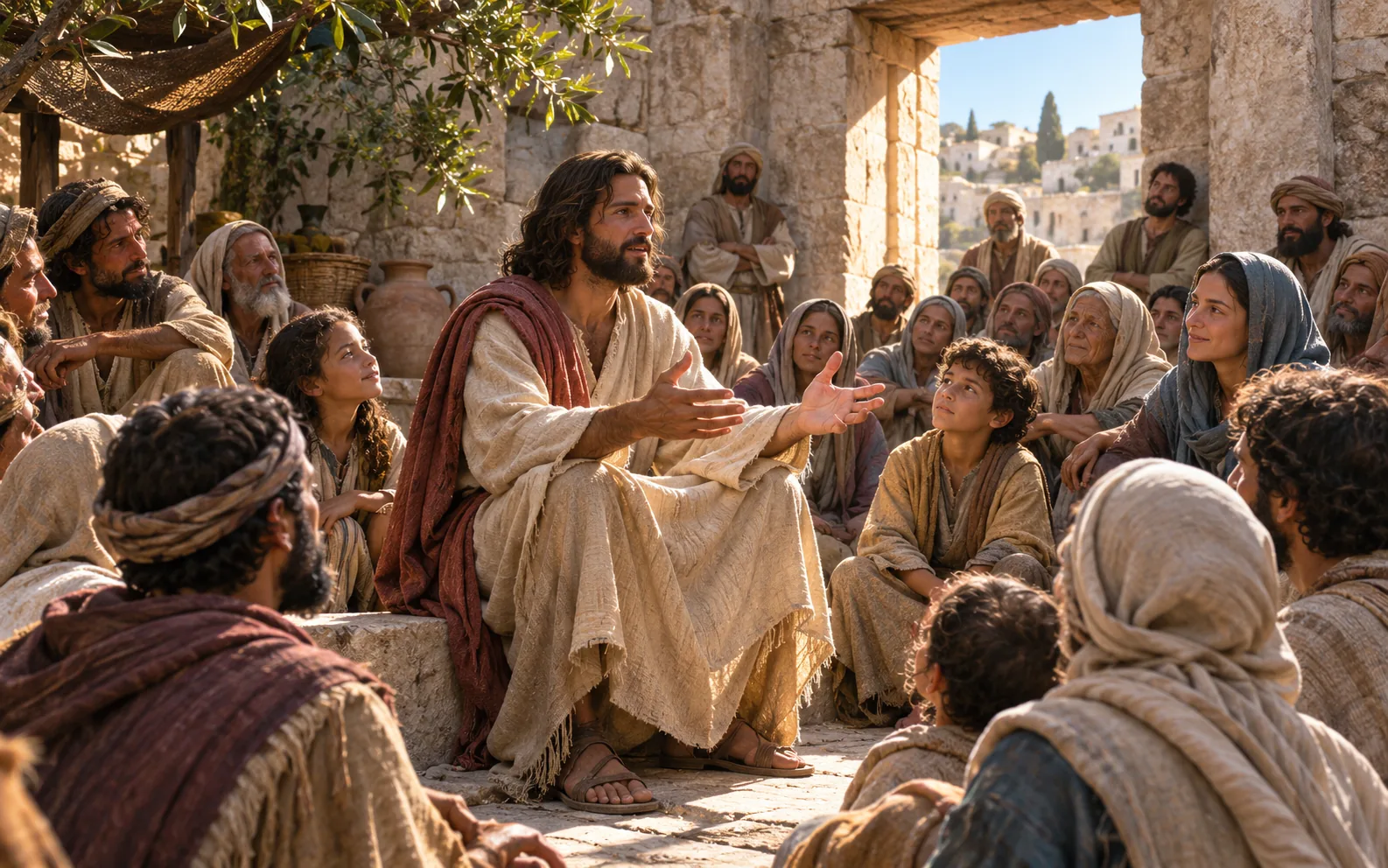

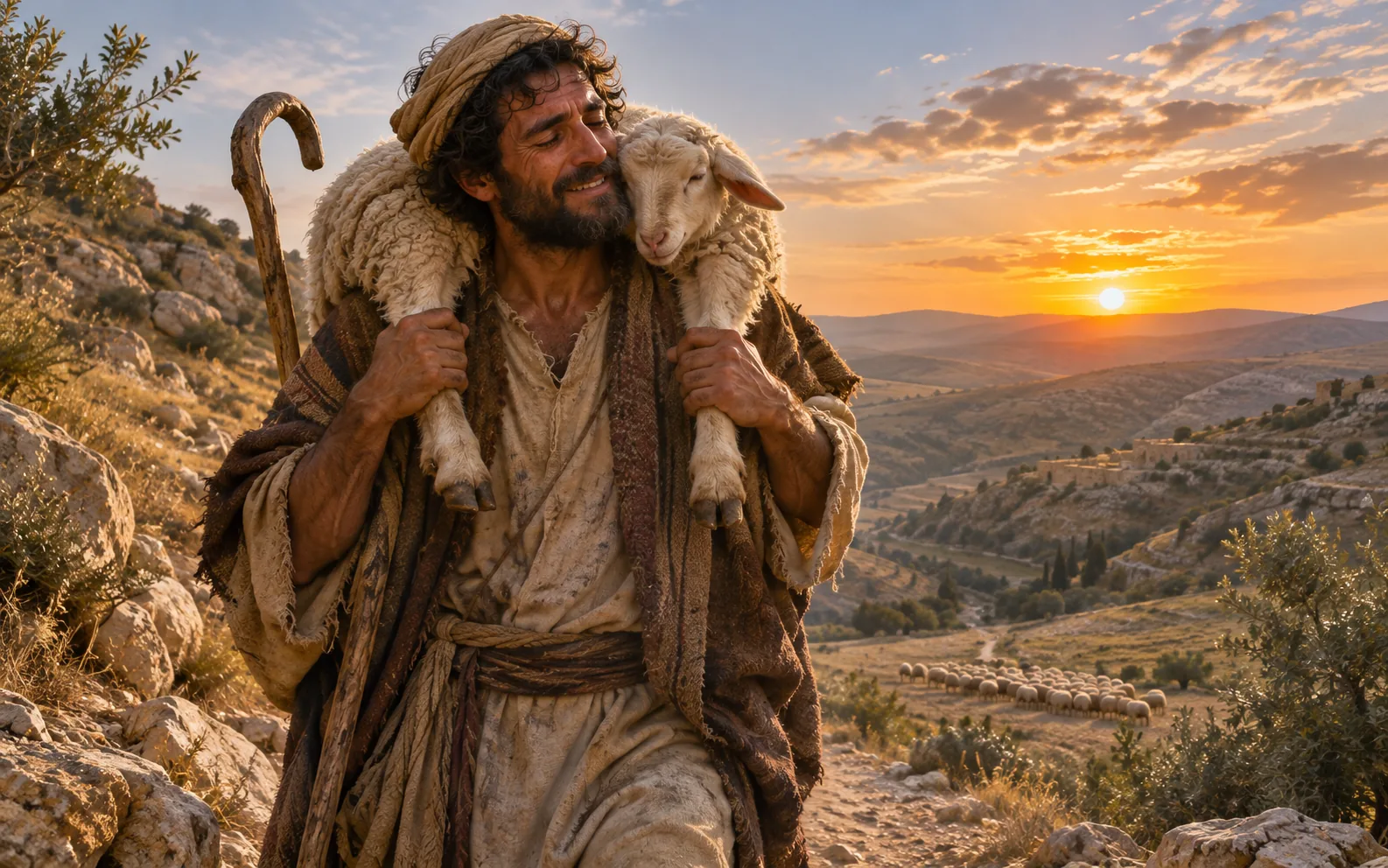
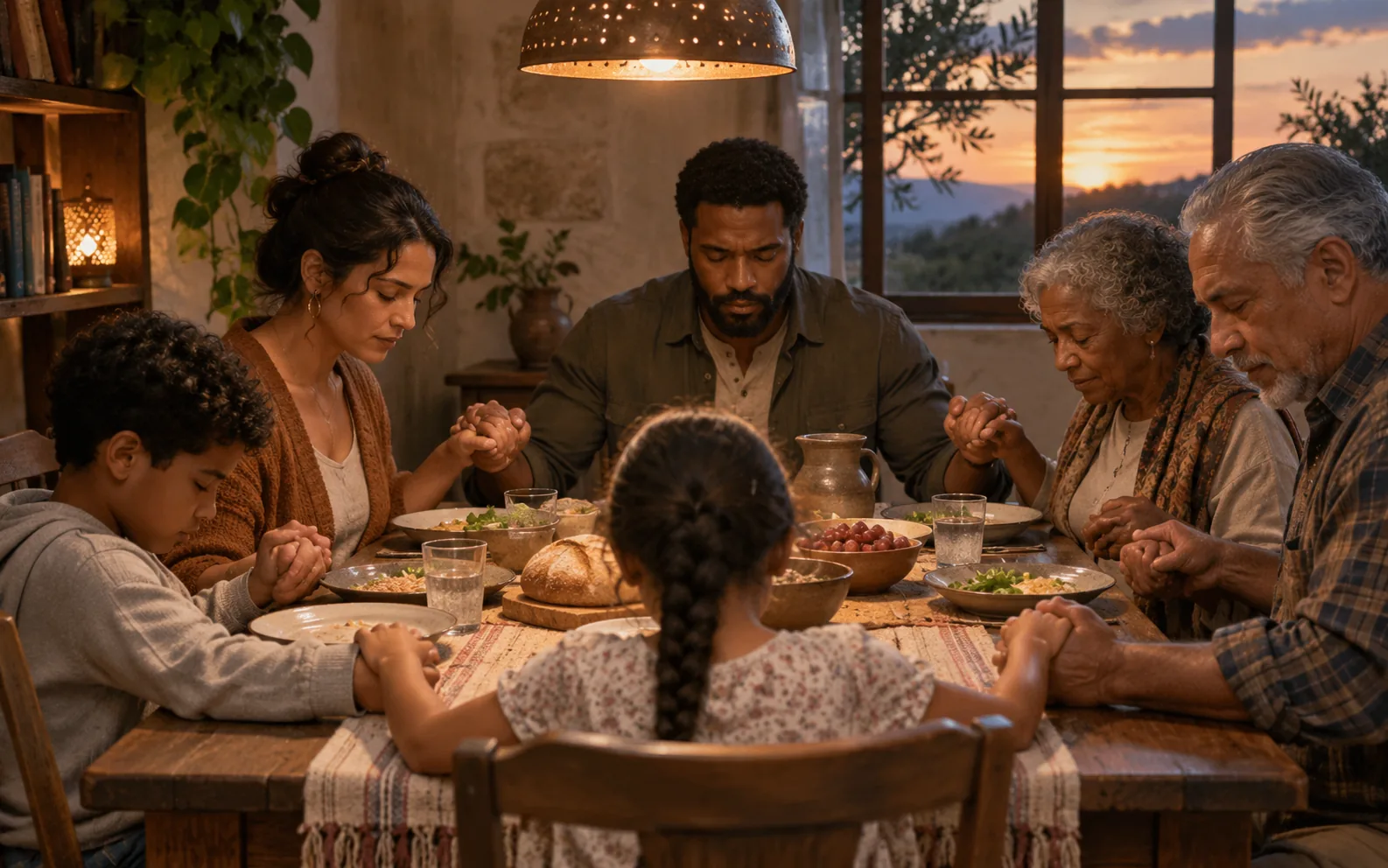
 Preach AI
Record or upload. Preach AI brings your words to life with matched scenes, clear captions and thoughtful sound.
See what is inside ↓PREACH AI / YOUR VOICE. IN MOTION.Built around the message
From a clean voice to a finished frame, each part works together so you can focus on what you came to say.
Separate the speaker from background music and noise, then clean the recording without losing its character.
Match each idea, example, and turning point to the moment it is actually spoken.
Shape imagery with a thoughtful Christian visual language that supports the message rather than distracting from it.
Place larger, gently animated subtitles at the centre of the frame with a soft shadow for clarity.
Choose supporting music for the tone, loop or trim it to length, and fade it cleanly beneath the voice.
Create vertical 9:16 videos for social platforms or landscape 16:9 videos for wider viewing.
One simple journey
Begin in the browser or add an MP3, MP4, M4A, WAV, or WebM file.
Your voice is cleaned, transcribed, planned into timed scenes, captioned, scored, and assembled.
Watch the finished result, then take home a ready-to-share MP4.
Simple monthly plans
Choose the allowance that suits your rhythm. Usage follows the length of the completed video.
Good questions, answered
Upload MP3, MP4, M4A, WAV, or WebM files, or record audio and video in your browser.
Yes. Voice isolation can separate the speaker from background music before speech cleanup.
Usage follows the length of the finished video and is rounded up to the next 30 seconds.
Reserved minutes are returned automatically when production fails or is cancelled.
Yes. Choose vertical 9:16 or landscape 16:9 before production begins.
Yes. Cancel renewal from Billing settings and keep access until the paid period ends.

Your voice can go further
Begin with the words you already have. Preach AI will help them move.
Create a video ↗